Windows paid alpha · $7/month
Dictate where you already write.
Fixvox gives Windows a compact voice dock. Press the shortcut, speak naturally, and place clear text in the app that already has your attention.
- Platform
- Windows 10 and 11
- Setup
- Google account first
- Support
- Founder assisted
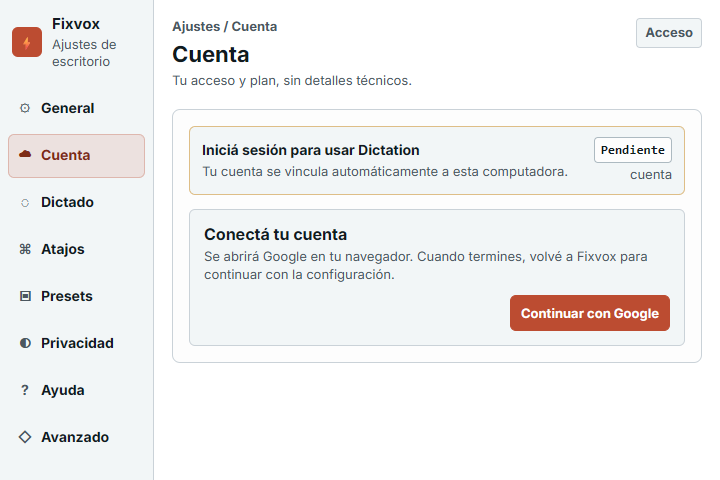
 Fixvox Settings
Account
Fixvox Settings
Account
Live text demo
Speak roughly. Keep the useful text.
The first public workflow stays focused on direct dictation. No separate editor, no transcript dashboard, and no claim that text was delivered when Windows could not confirm it.
"thanks i can review this after lunch and send notes before end of day"
Thanks, I can review this after lunch and send notes before end of day.
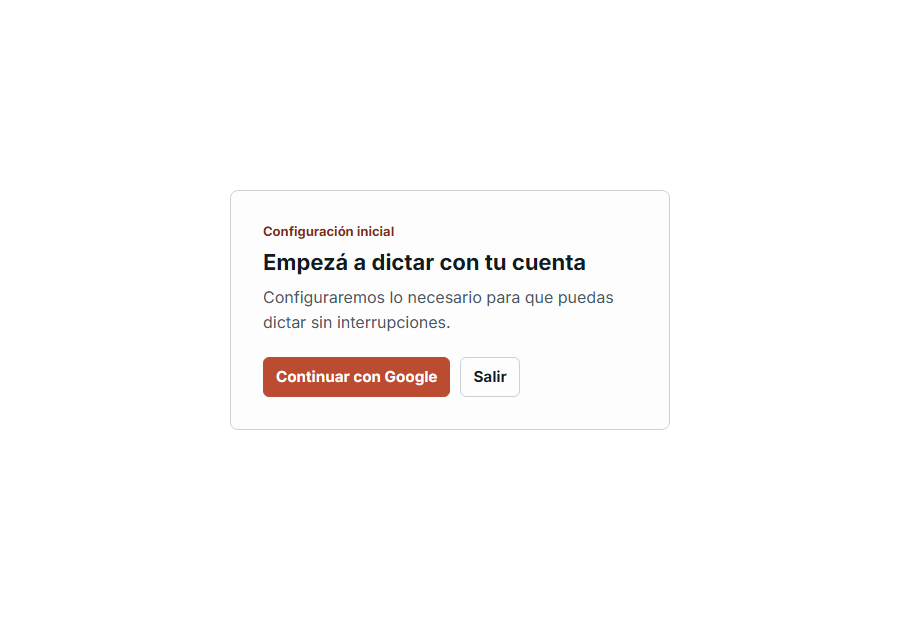
First run
Ready means the account and this computer are confirmed.
- 1Install Fixvox
Use the Windows installer from the current Tauri release.
- 2Connect your account
Google sign-in links the computer automatically.
- 3Choose microphone and shortcut
Finish setup, then dictate from any supported text field.
Alpha plan
Start with focused Windows dictation.
Pay monthly, get direct setup help, and shape the product with real use while the alpha remains small.
$7/month
- Compact voice dock and keyboard shortcut
- Cleanup for natural speech
- Account-first setup and device linking
- Clear recovery when delivery is uncertain
The corrected Tauri installer is awaiting publication. The production page will keep its current download until the new asset is verified.